
✅ Avoid logging in before reading the cashout method that comes with the log.
✅ Always confirm recipient details before transferring.
✅ Keep all transactions within the allowed limit.
✅ Send between $5,000 - $20,000 per transaction.
Each banklog have a specific way of cashing out and we only share those after you've bought a log to prevent unauthorized users from circulating them which can end up being invalidated. We don't charge any fee on the cashout pdf that comes with the log
Zelle is a fast and secure way to transfer funds. To cash out using Zelle, you need a bank log with email access. Start by logging into the bank account and navigating to the transfer section. Select “Send Money with Zelle” and choose to add a new recipient. Enter the drop’s name, email, or phone number linked to their Zelle account. Once added, input the amount you wish to send, ensuring it stays within the bank’s daily transfer limit. Confirm the transaction and verify it via email if prompted. The funds should arrive instantly in the recipient’s account, and they can proceed to withdraw or move them as needed.
Cash App provides a simple way to move funds quickly. First, log into the bank account and link it to Cash App under the payment methods. Ensure instant verification by using a bank log with email access. Once linked, transfer funds to the Cash App balance. From there, send the funds to a drop’s Cash App or cash out directly to a linked debit card or another bank account. Be mindful of transfer limits and avoid triggering security reviews.
To use PayPal, log into the bank account and add it as a funding source in PayPal. Verify the link through micro-deposits or instant verification if email access is available. Once verified, transfer funds from the bank to PayPal balance. From PayPal, send money to a drop account, withdraw via a linked debit card, or use PayPal-to-Bitcoin exchanges to move funds. Avoid sending large amounts at once to reduce risk.
Venmo works similarly to PayPal. After logging into the bank account, link it to Venmo under payment settings. Confirm the link using the email or phone verification method. Once linked, move funds into Venmo balance. From Venmo, send money to a trusted drop or transfer it out via a linked debit card. Transactions should stay within Venmo’s daily transfer limits to prevent security flags.
This method involves transferring funds from a bank log to a reloadable prepaid debit card. Log into the bank account, add the prepaid card as an external account, and initiate a transfer. Some prepaid cards support direct deposits, making cashouts even faster. Once the funds arrive, they can be withdrawn at ATMs or used for purchases.
Purchase high-value gift cards using the bank log. Amazon, Apple, and Visa/Mastercard gift cards are the best options. Once purchased, redeem them immediately or resell them for crypto or cash. This method is useful for discreet transactions but requires reliable gift card reselling platforms.
Apple Pay allows seamless transactions between bank accounts and Apple Wallet. Log into the bank account and add it as a payment method in Apple Pay. Once verified, transfer funds to Apple Cash and then send to a drop's Apple Pay or withdraw via a linked card. Avoid transferring large amounts at once to prevent restrictions.
Western Union provides a fast and accessible way to transfer and withdraw funds globally. To successfully cash out using this method, you need to follow a series of steps carefully to ensure a smooth transaction. Log into the bank account and navigate to the bank’s online transfer or bill payments section. Some banks have a direct integration with Western Union, allowing you to send money without needing a third-party account. If this option is available, proceed by selecting Western Union as your transfer method.
Next, you need to add a receiver. This involves entering the recipient’s full name exactly as it appears on their identification document. A mismatch in the name can lead to delays or even the cancellation of the transfer. You will also be required to specify the receiver’s country, ensuring that they can collect the funds in their location. After adding the receiver, you must select the preferred transfer method. Western Union offers two primary options: cash pickup at a physical Western Union branch or a direct deposit into the recipient’s bank account. The cash pickup method is often preferred due to its speed and convenience. Once the transfer method is chosen, enter the amount you wish to send. It is important to keep transfer amounts within reasonable limits. Large transfers may trigger security reviews or account holds. Western Union monitors transactions for suspicious activities, so spreading out transfers over time may reduce the risk of detection.
Before finalizing the transaction, review all details carefully. Ensure the receiver’s name, country, and transfer amount are correct. Once everything is confirmed, submit the transfer. If successful, you will receive a Money Transfer Control Number (MTCN). This number is crucial as it allows the recipient to collect the funds. But you won't need the MTCN since you'll transfer to recipient’s bank account, which takes less than 2 minutes to be reach recipient account. Western Union transactions are monitored closely, and frequent or large transfers may attract unwanted attention. To avoid complications, always space out transactions and keep amounts within normal banking limits. Best advice is to transfer $5000 after every one hour.
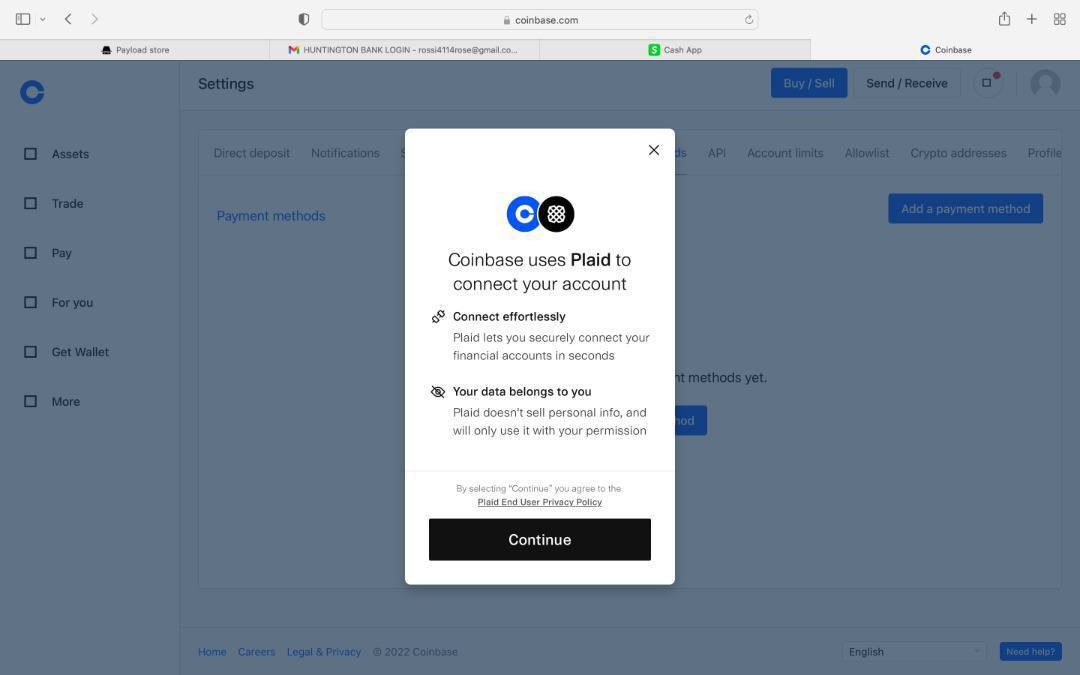
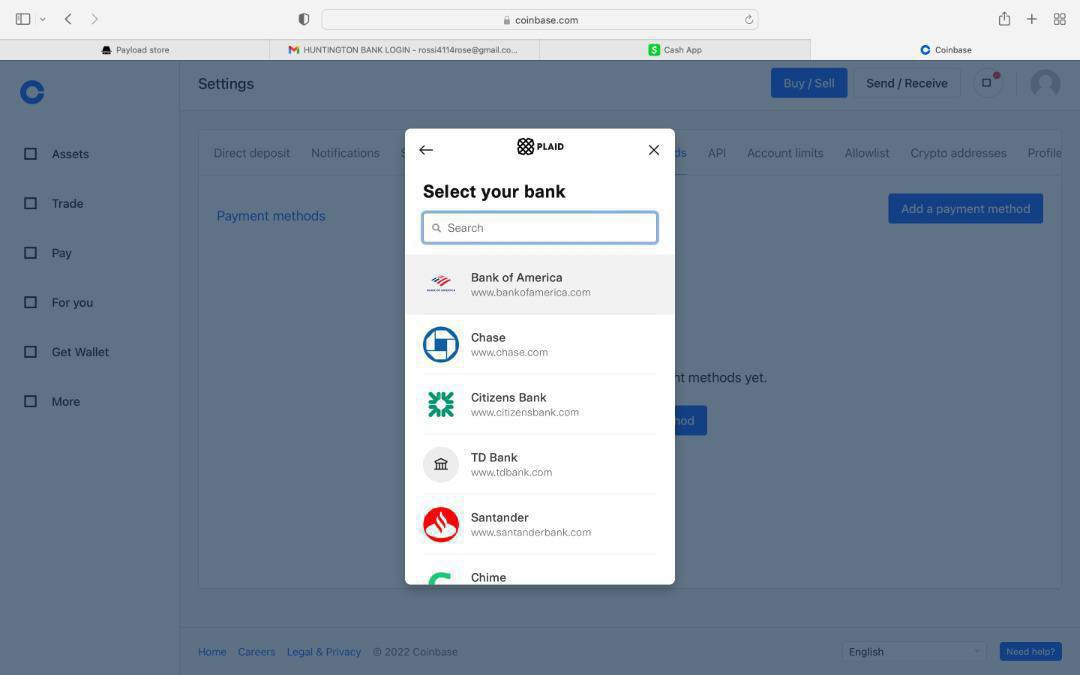
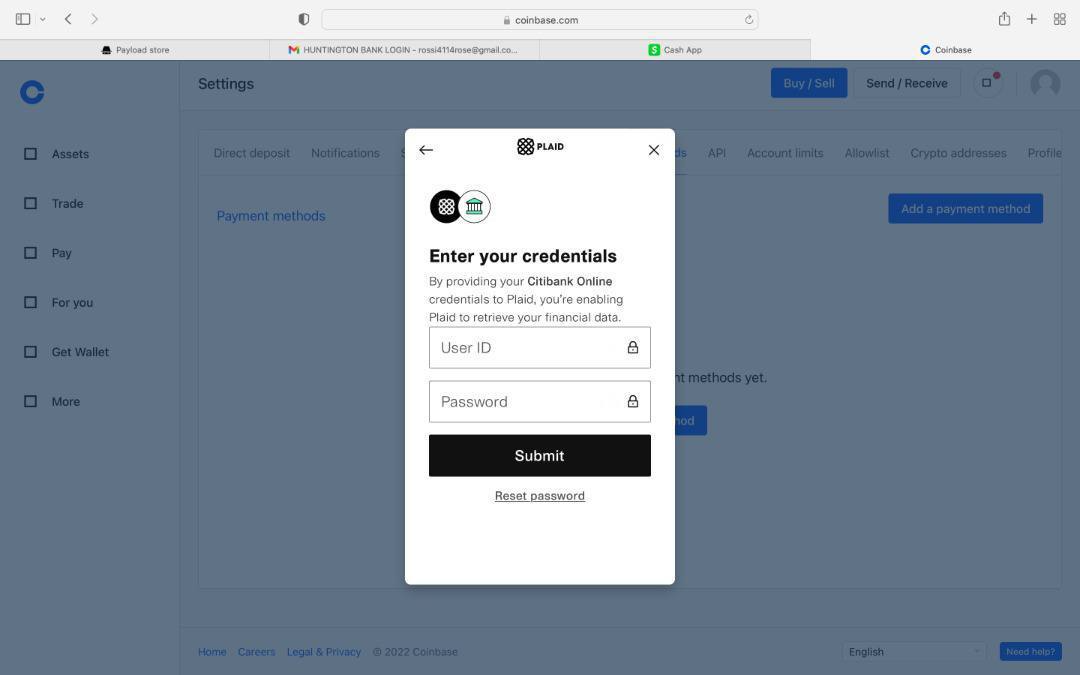
How to link a banklog with coinbase, Tap on your profile. Select settings then on the payment method choose add payment method. Click on bank account since it is a local bank we are working with. When this prompt appear, just click on continue. Always make sure that you purchase bank logs that come with email access. Now with coinbase, I recommend that you use Chase or Chime logs that comes with email access. You'll enter the online access from the bank log you purchased, send verification code to email and link it instantly. You can do $5000 to $20000 depending on your bank purchase limit.
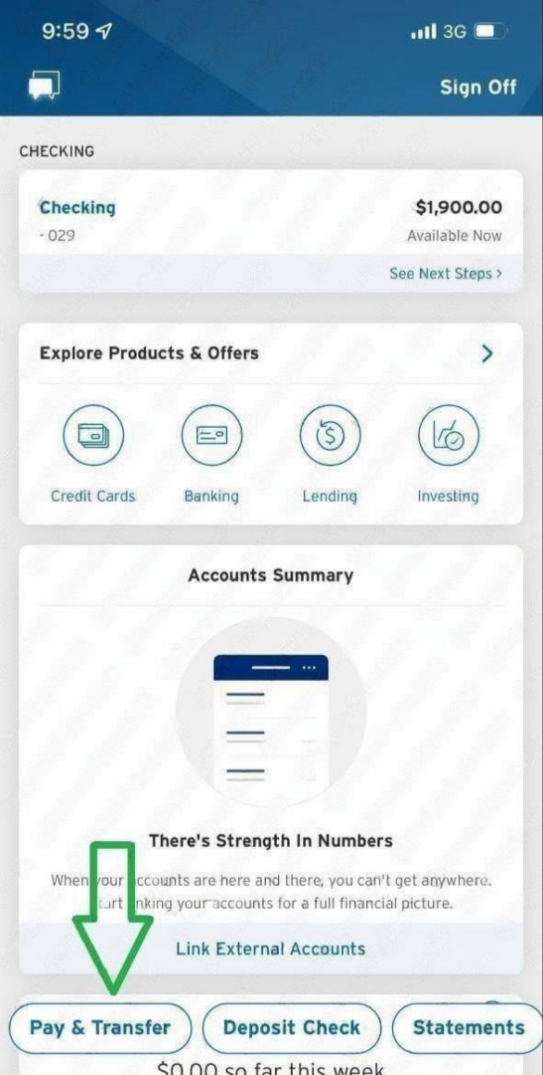
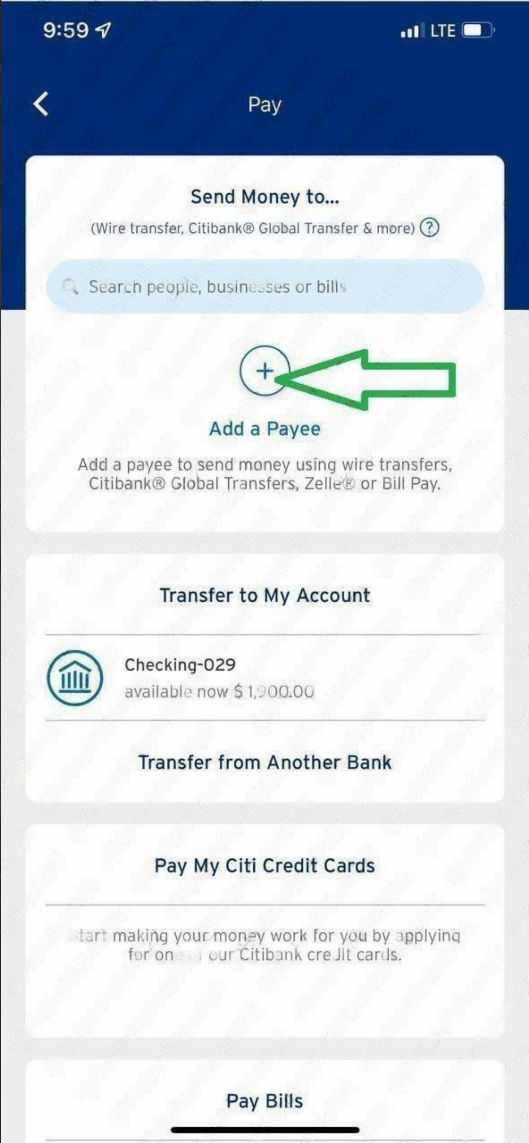
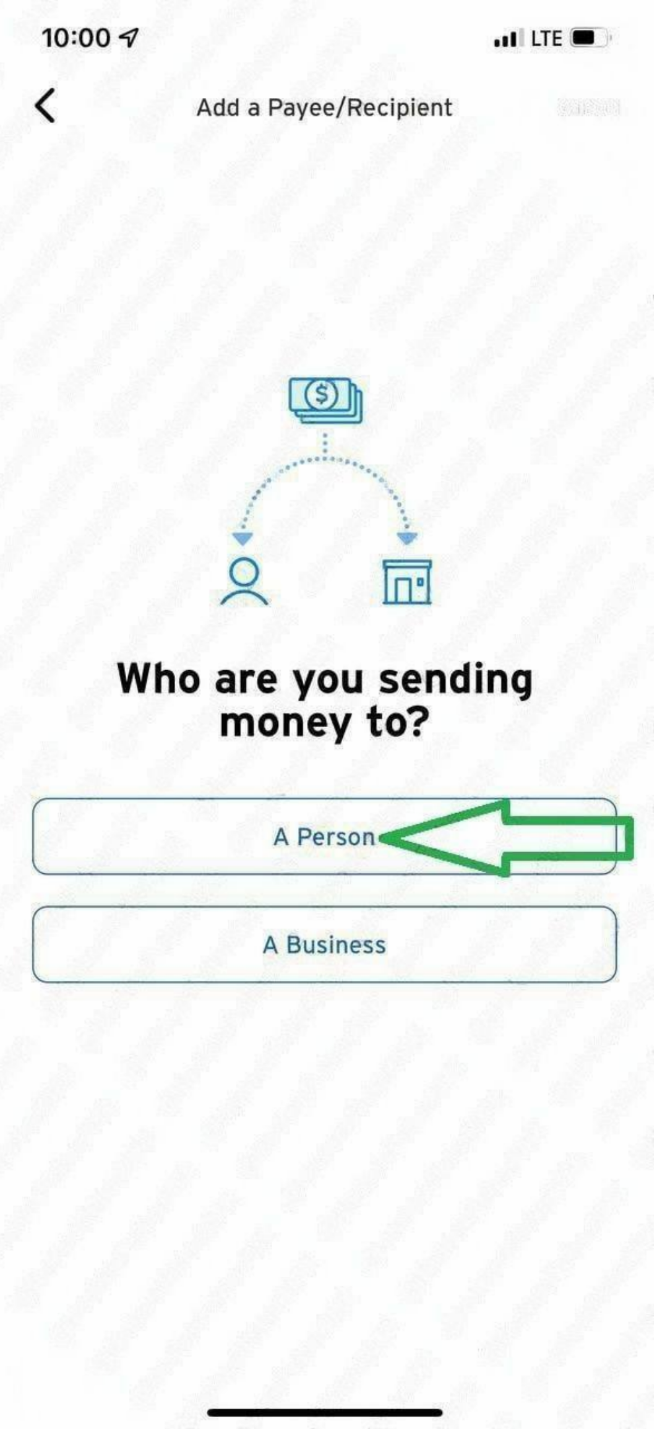
Get a bank log with email access so that you get the authentication code sent there to login to bank account. Login to the wire enabled bank log you bought and click on 'Pay and Transfer'. Now click on 'Add a Payee'
On this page you can choose:
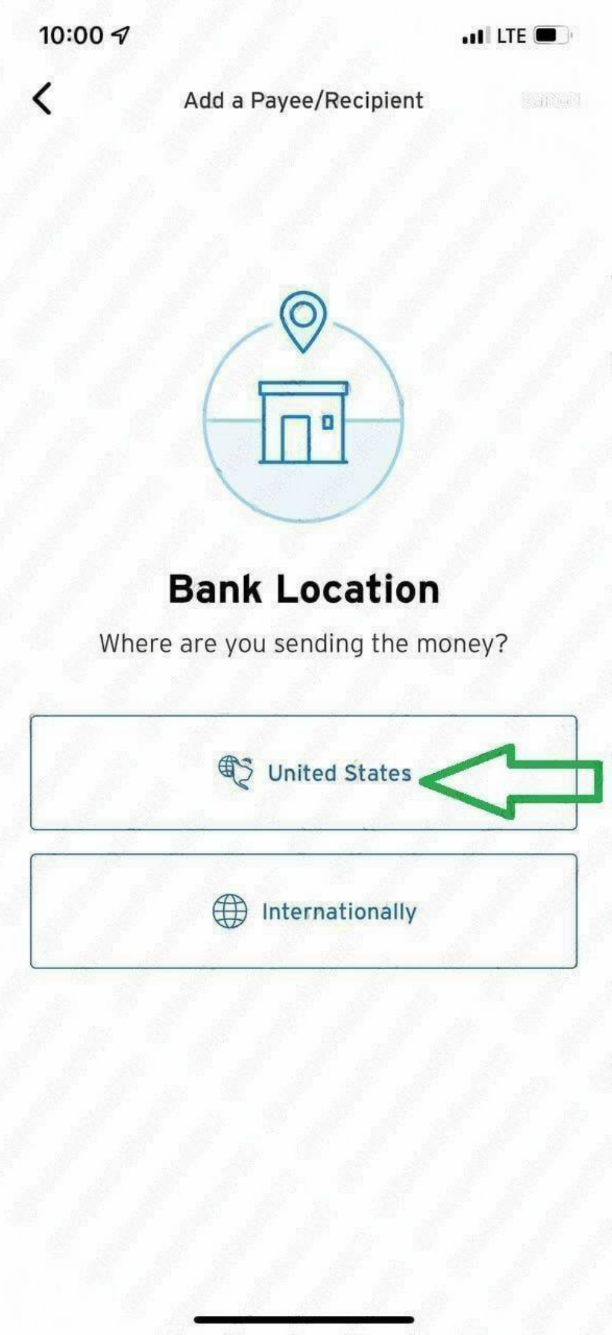
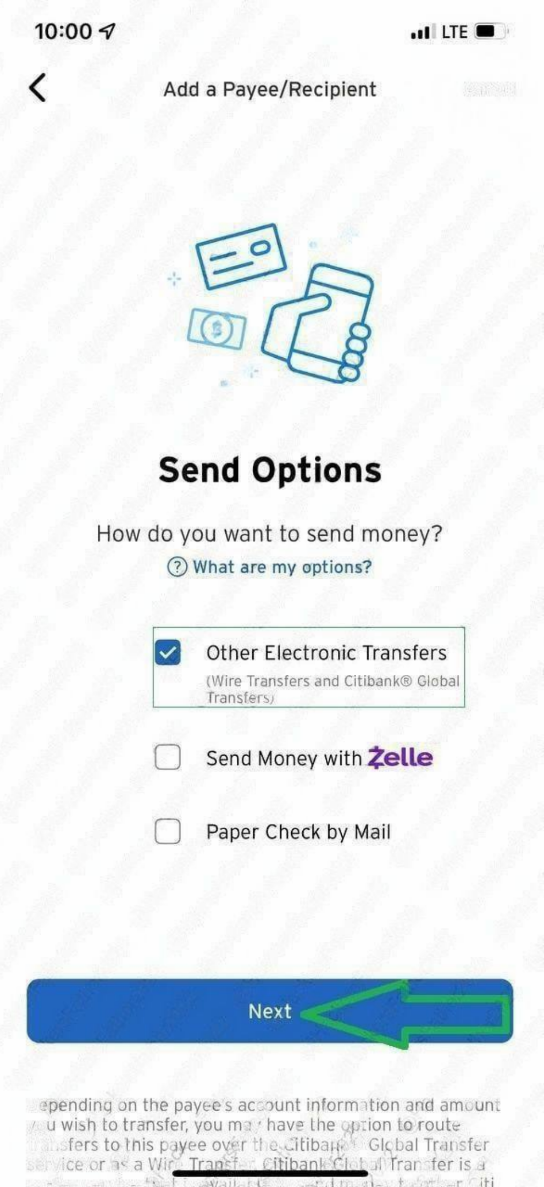
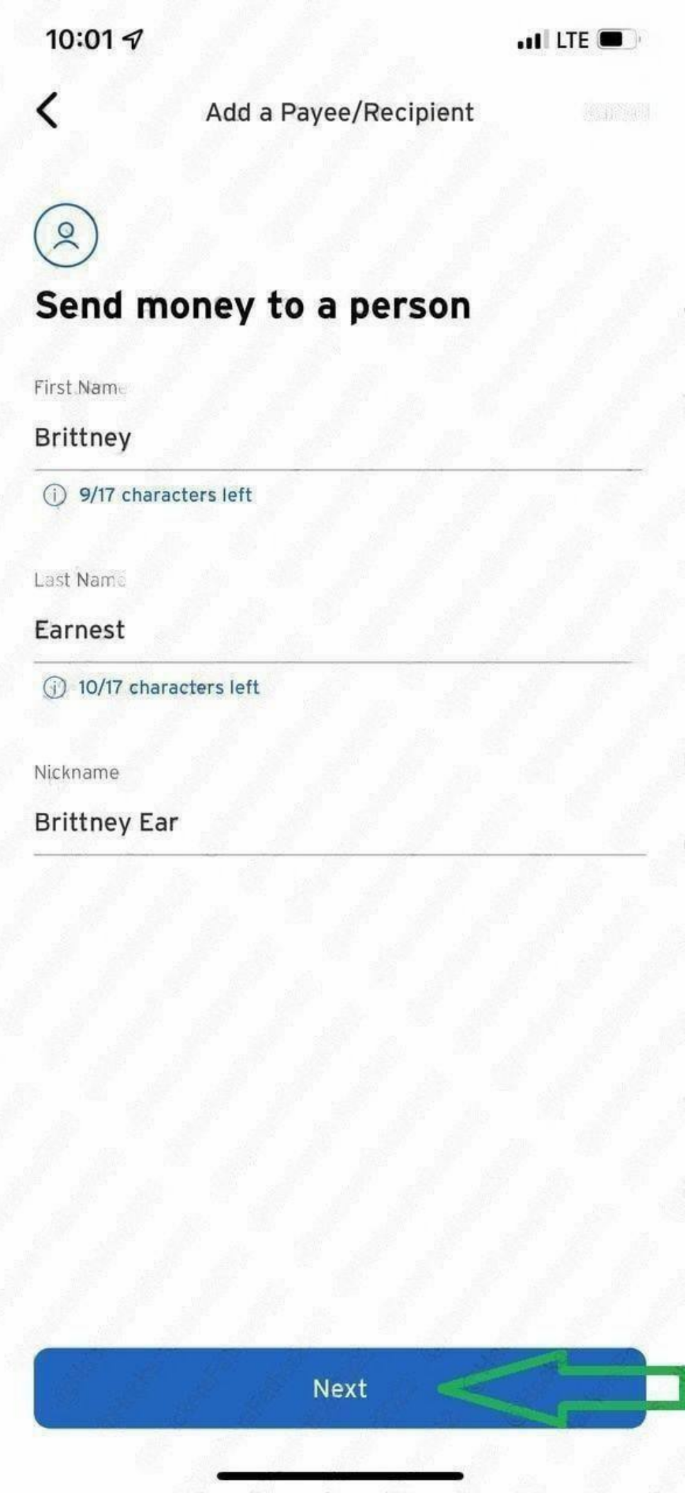
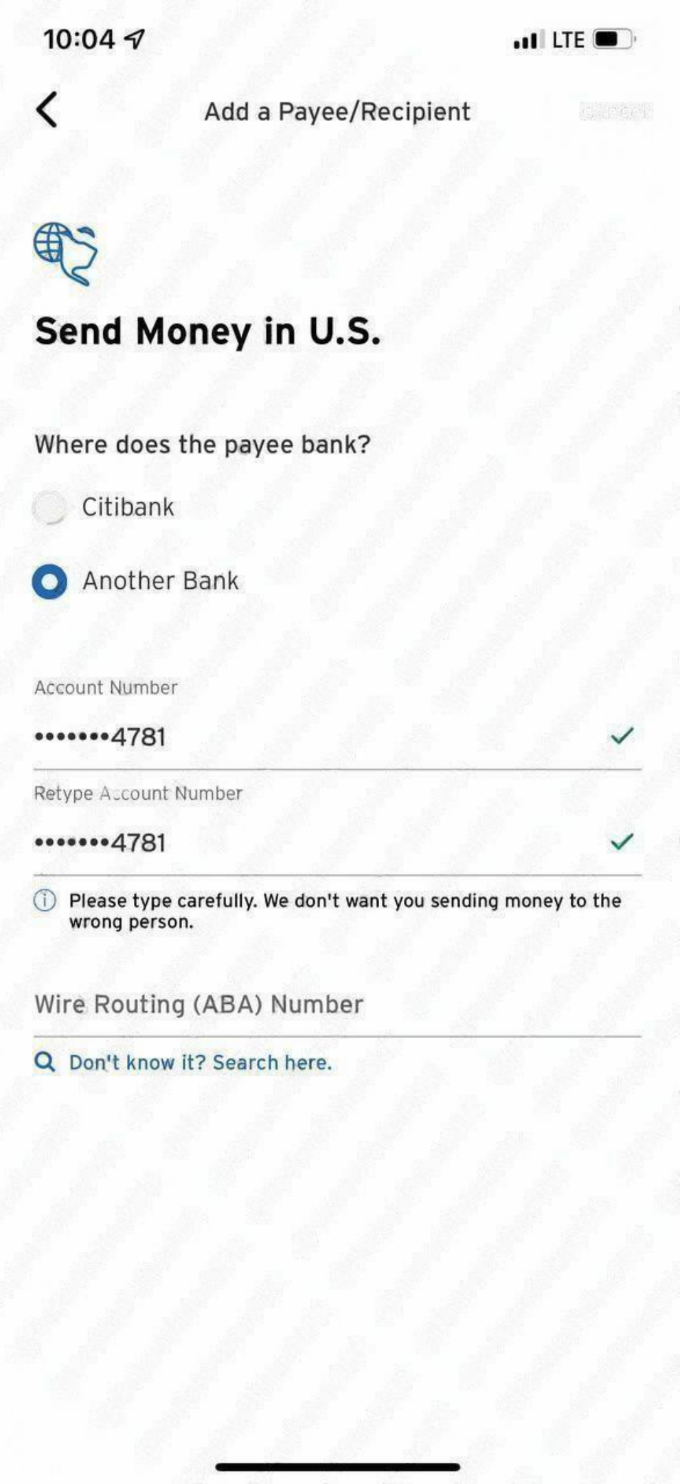
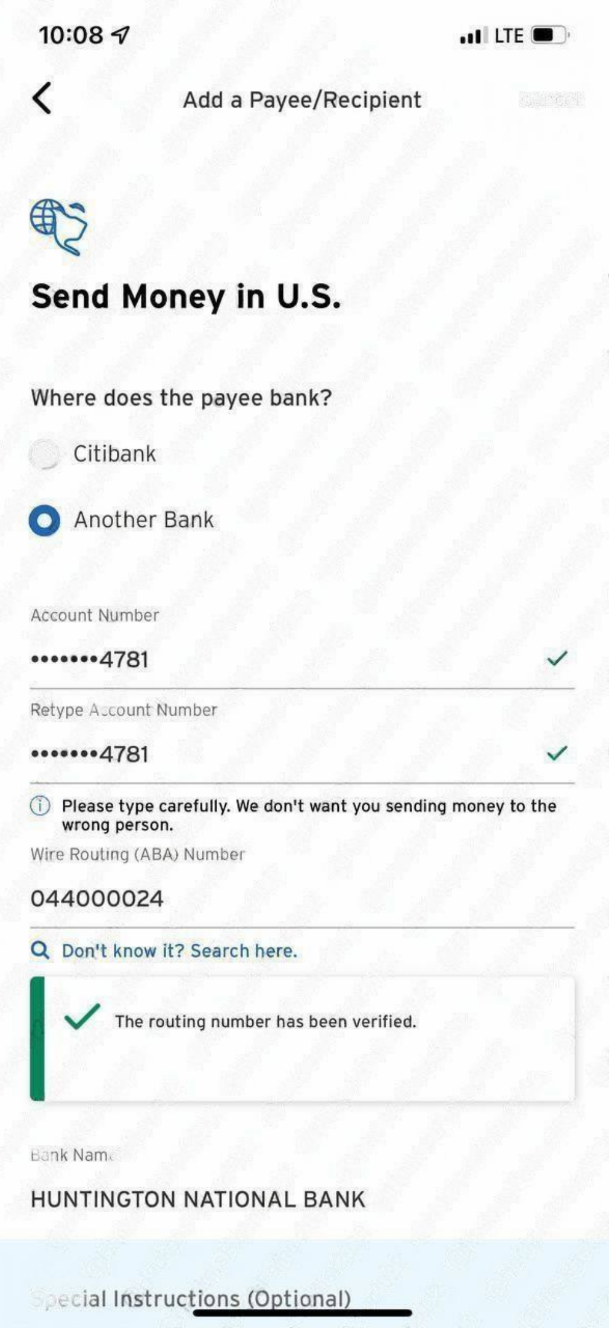
Click on 'A Person', you also have the option to send funds to a company. Type the First and Last Name of the Payee/Receiver/Drop. Choose another bank and input the account number and routine number of the receiver/payee you're sending the funds to. Wire ABA Number is the same as Routine number of the Payee. Fill in the info as I've done. Review your Payee/Receiver info
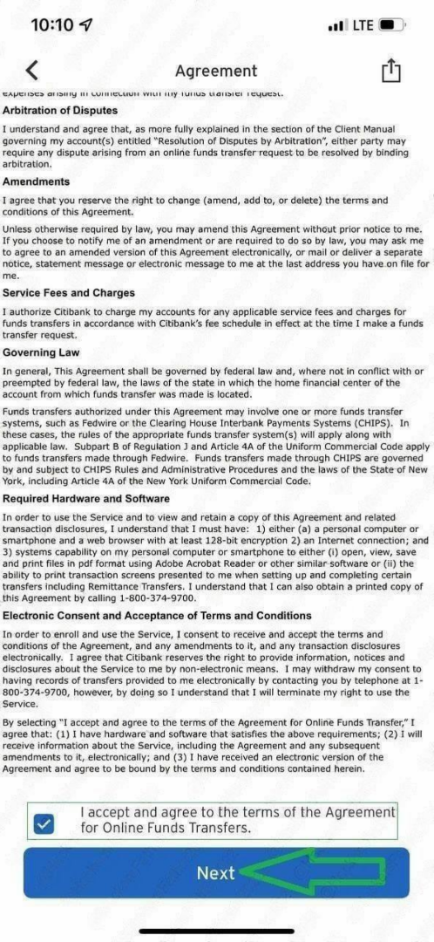
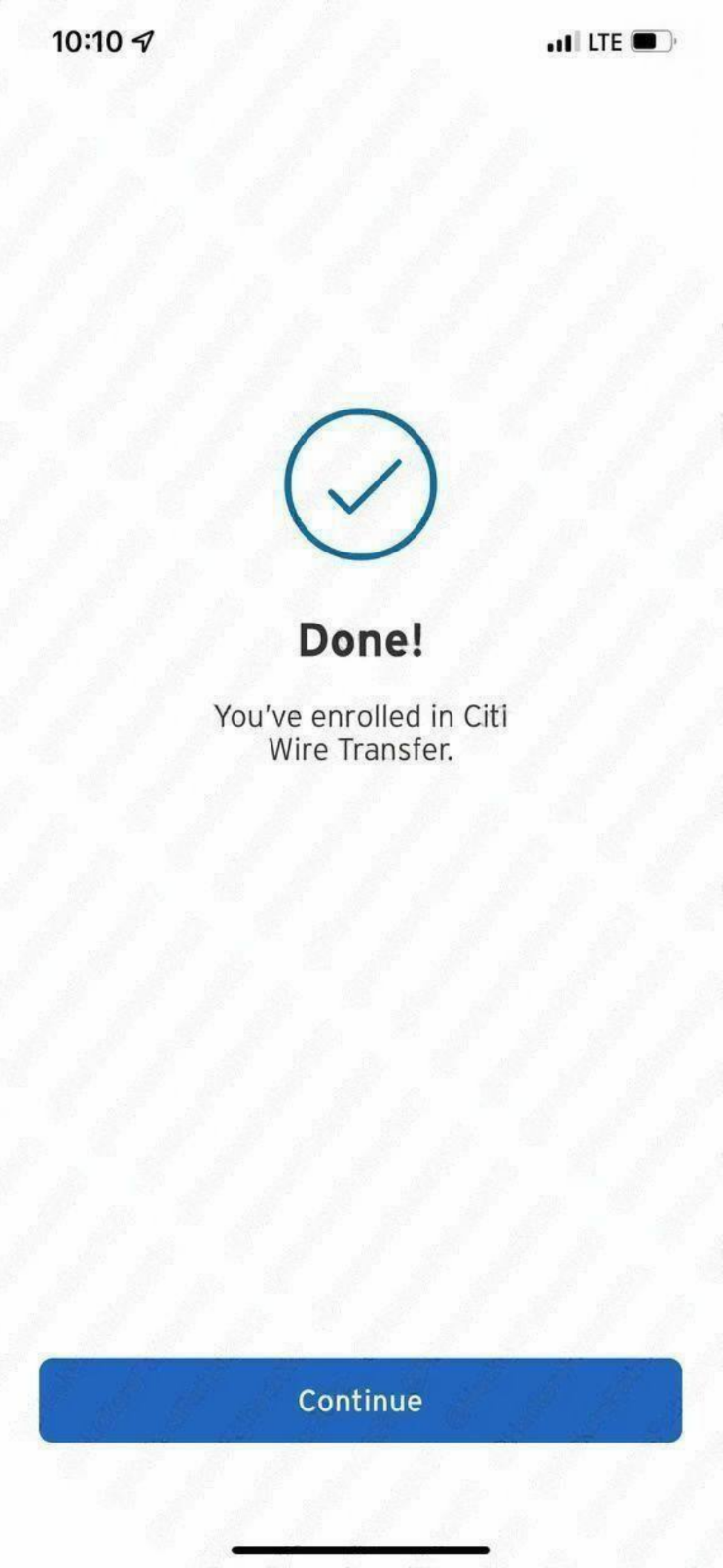
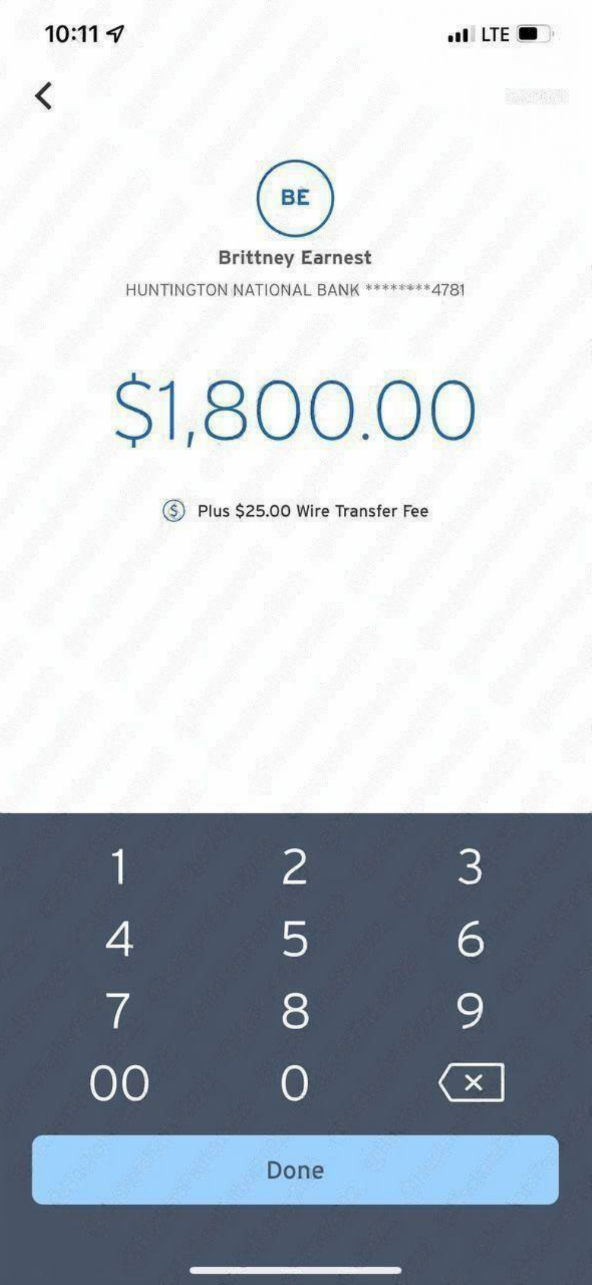
Tick 'Yes it's correct' and click Add. Our Payee Bank has been added successfully. Click on 'Send Money Now. Now let's enroll our bank in wire. Click on 'Get Started' to enroll in Wire Transfer. Accept to all their Terms and Conditions and Click on Next. We've successfully enrolled in wire Transfer. Next thing is sending out money from the banklog you bought to drop/client you've added. Enter the amount you would like to send to the added Payee/Receiver
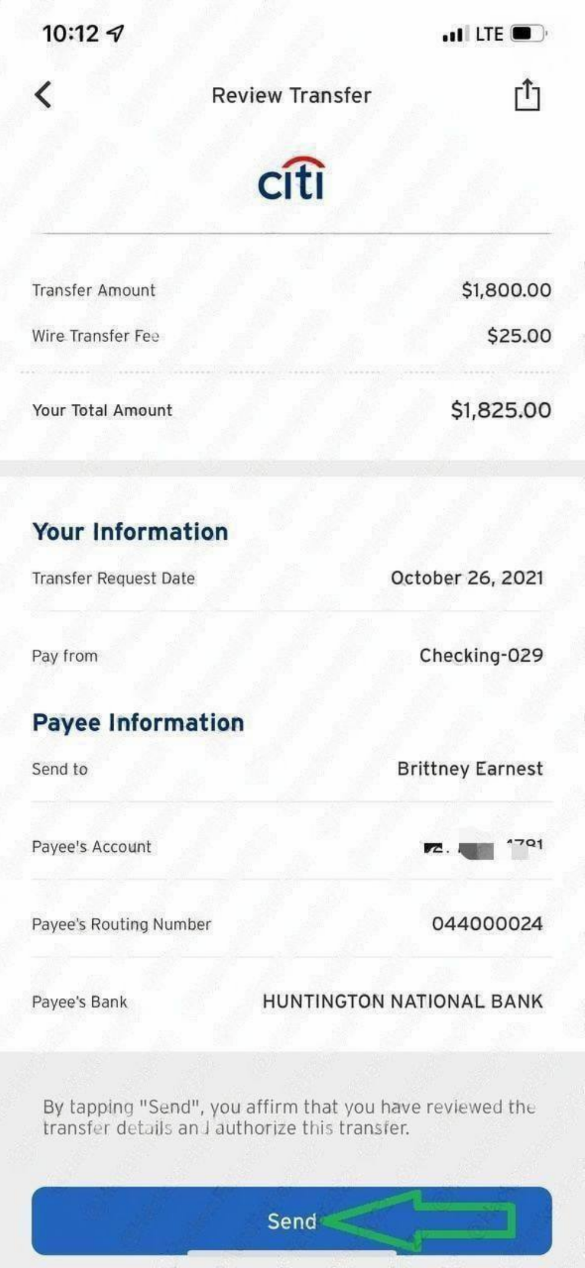
Note: Each Wire Transfer fee is $25. Wire is sent instantly and cannot be reversd so review throught for the last time to make sure informations are all correct, then click on Send. Wire has been sent successfully